
Logo

How can we help you today?

Get help straight from our team...

Create single-choice question

Interactive experiences

Create single-choice question

Last updated on 05 Nov, 2021

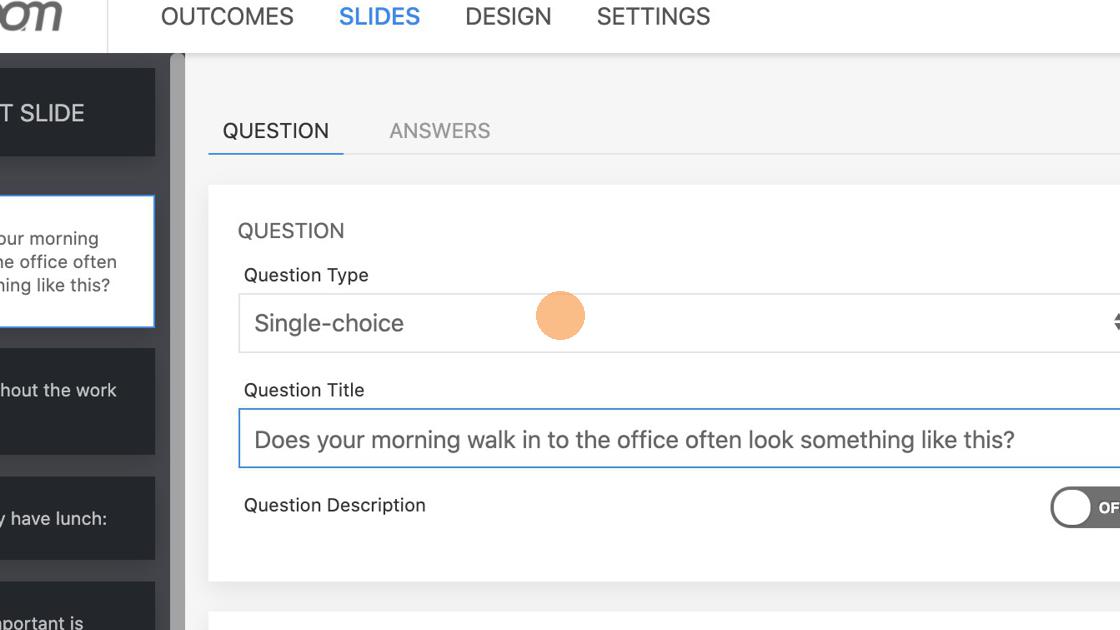
1. Select Single-choice from the dropdown.
Image

The only mandatory field on Question tab is Question Title. Based on your needs you can add Question Description, Feedback and Media.

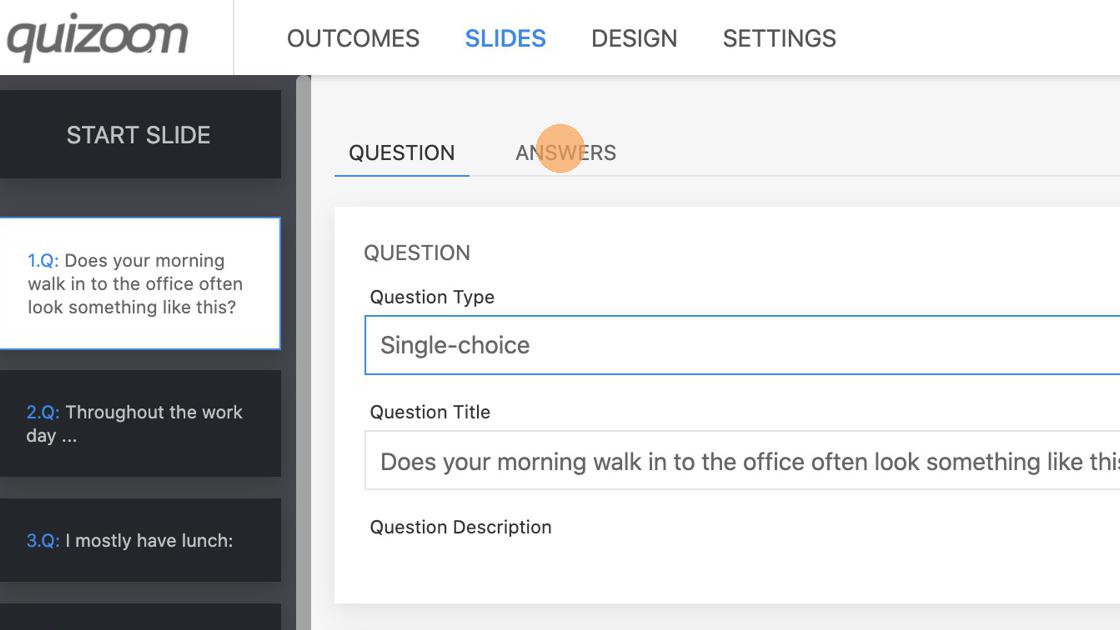
2. Click "ANSWERS" to set answers for this question.
Image

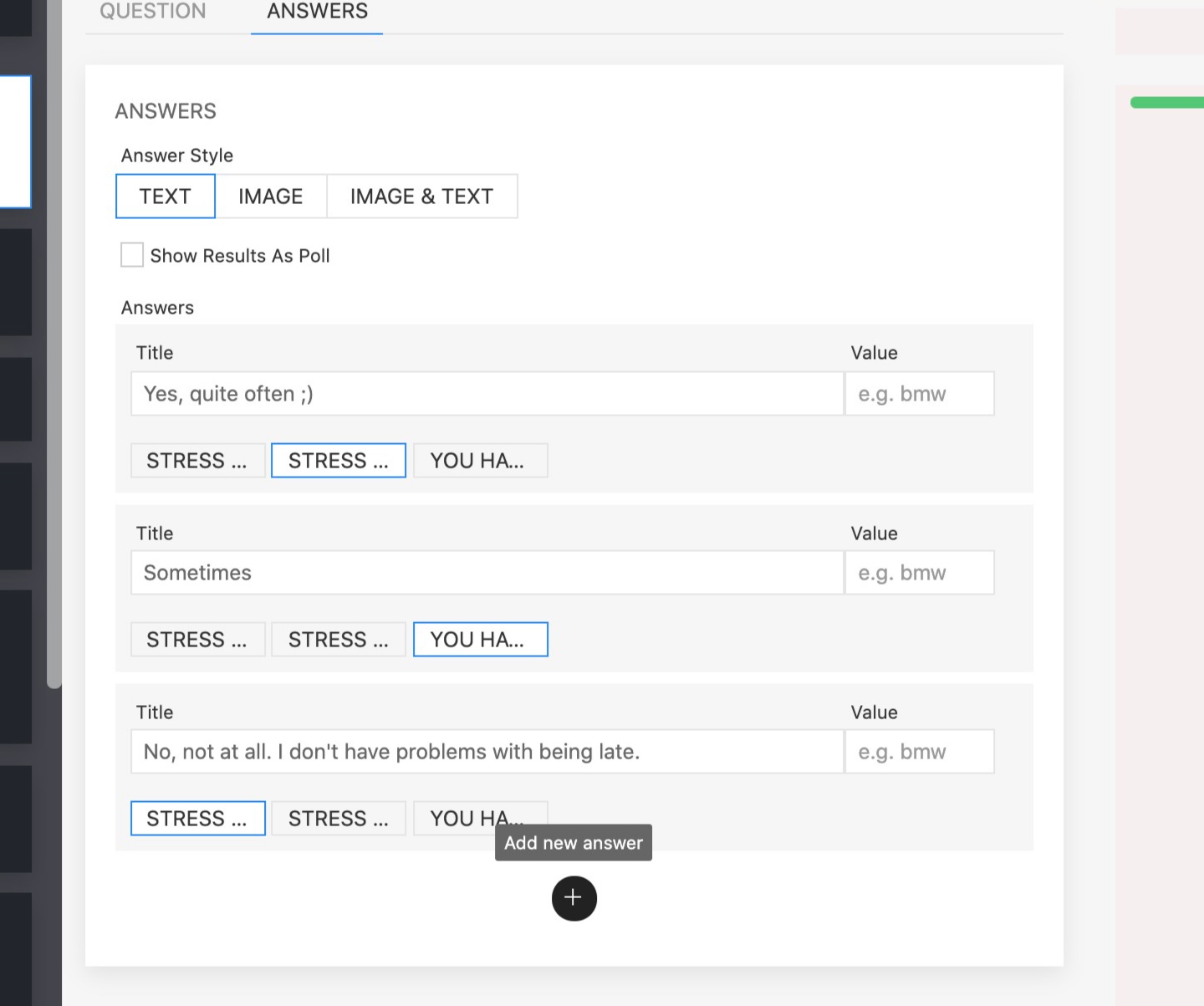
3. Click + icon to add a new answer.

Image
Did you find this article helpful?
Previous

Create multi-choice question

Next