
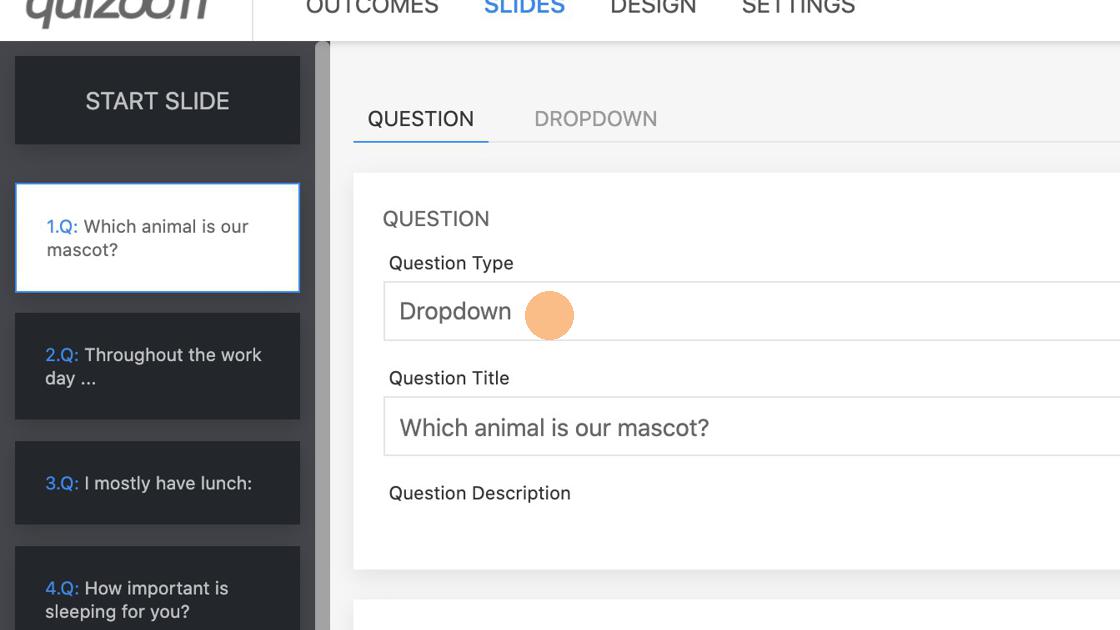
1. Select Dropdown from the dropdown.
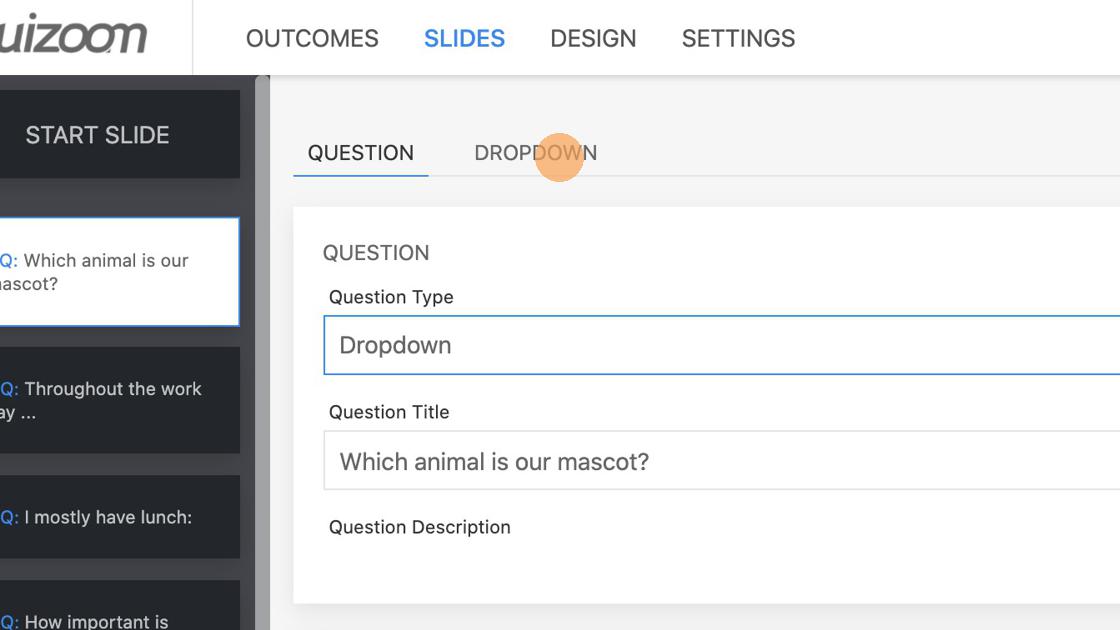
2. Set answers under "DROPDOWN" tab
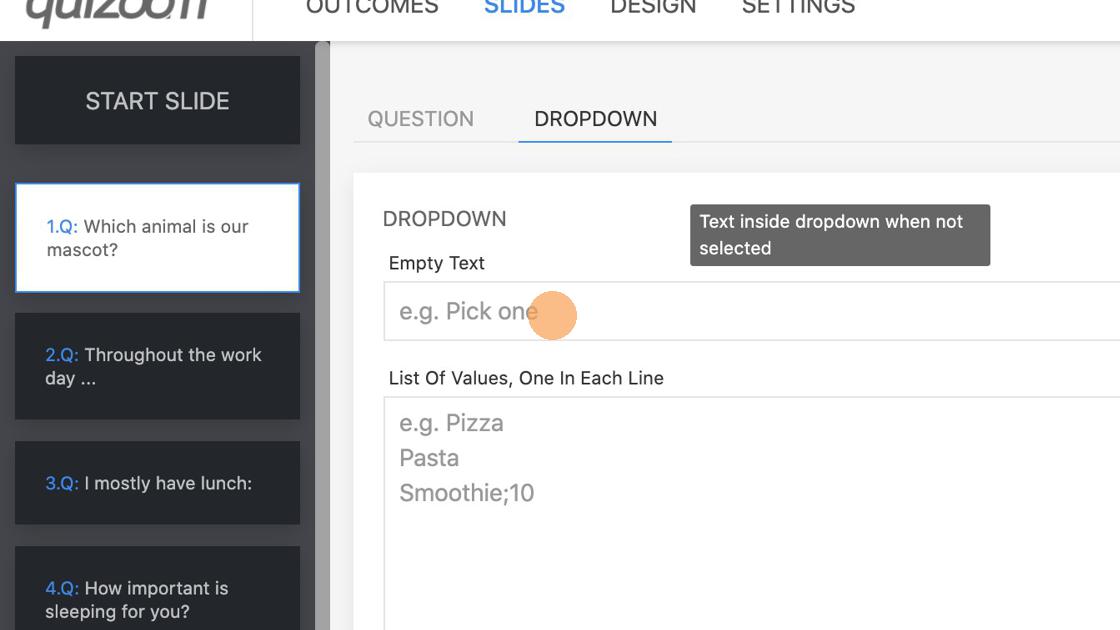
3. Add placeholder text
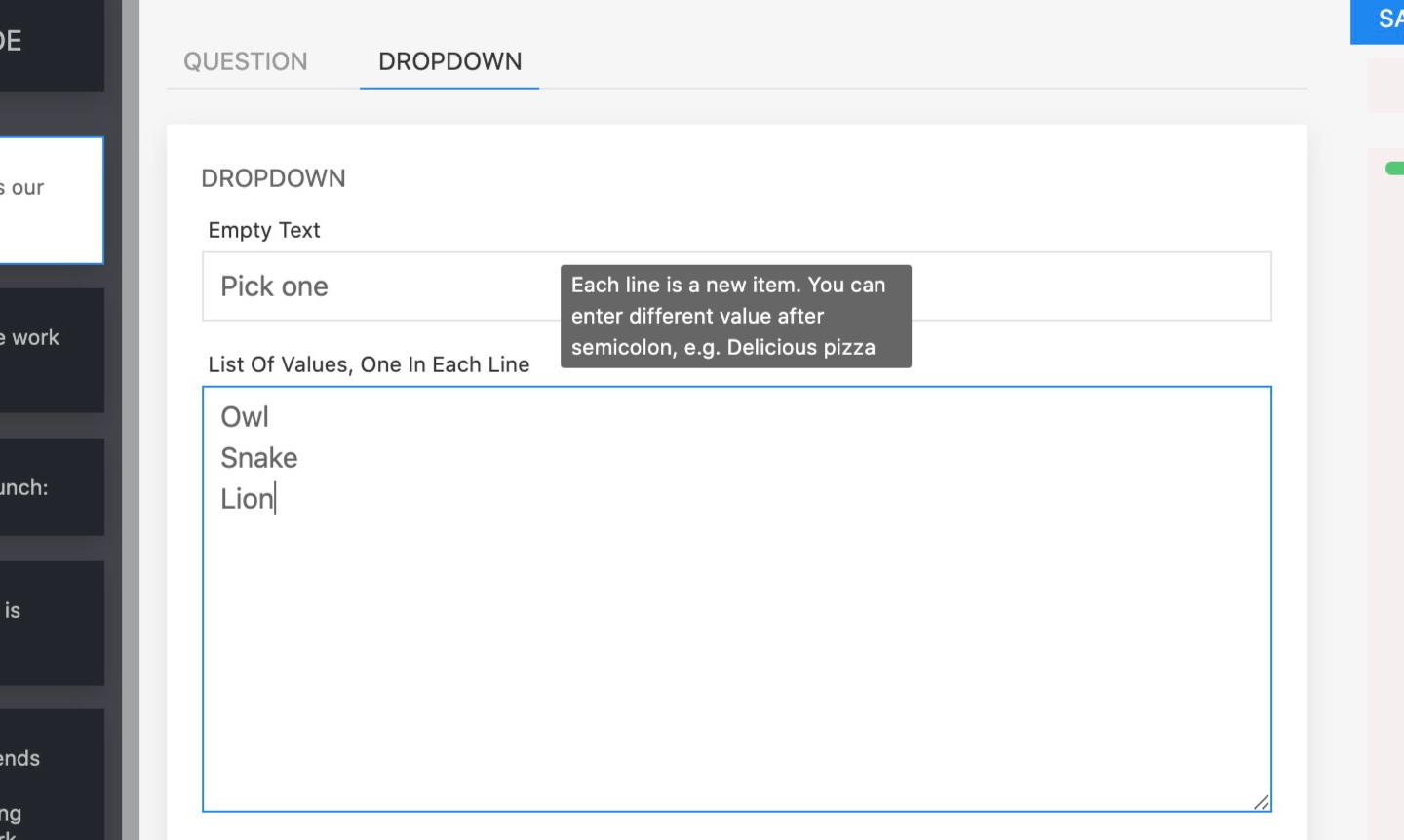
4. Enter answers one in each line.

How can we help you today?
Get help straight from our team...
Interactive experiences
Last updated on 05 Nov, 2021
1. Select Dropdown from the dropdown.
2. Set answers under "DROPDOWN" tab
3. Add placeholder text
4. Enter answers one in each line.