

1. Under "OUTCOMES" set your outcomes. Outcome Title is mandatory. Outcome Description, Outcome Image and Share Image are optional.
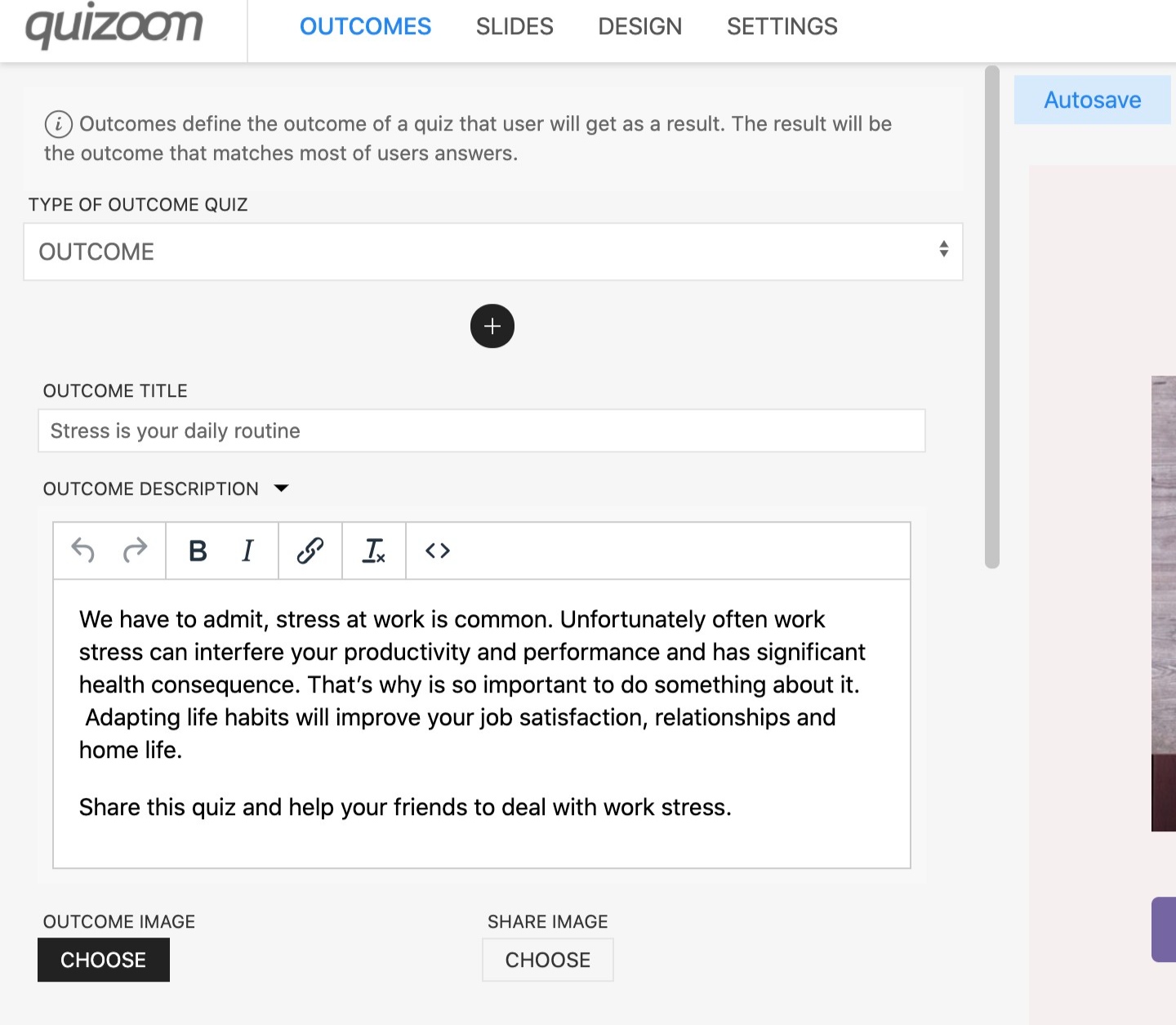
You can set a custom Share image for each Outcome. This image will be shown as a cover image when the respondent shares his quiz results on social networks.
2. Click + icon to add additional Outcome.
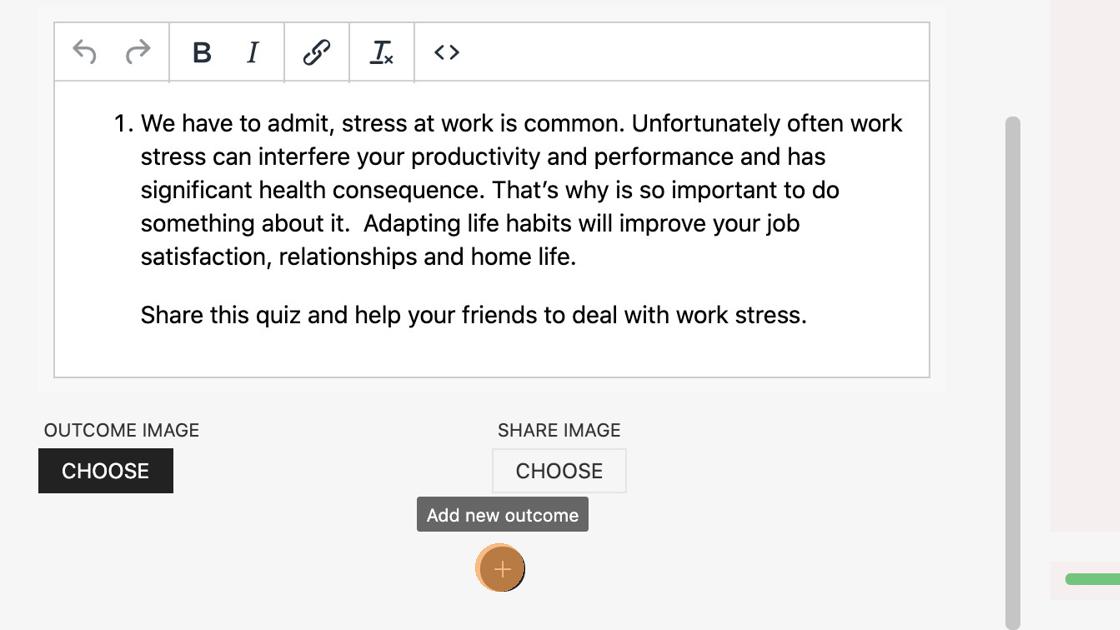
Now that you have Outcomes for your quiz, you have to match them with answers.
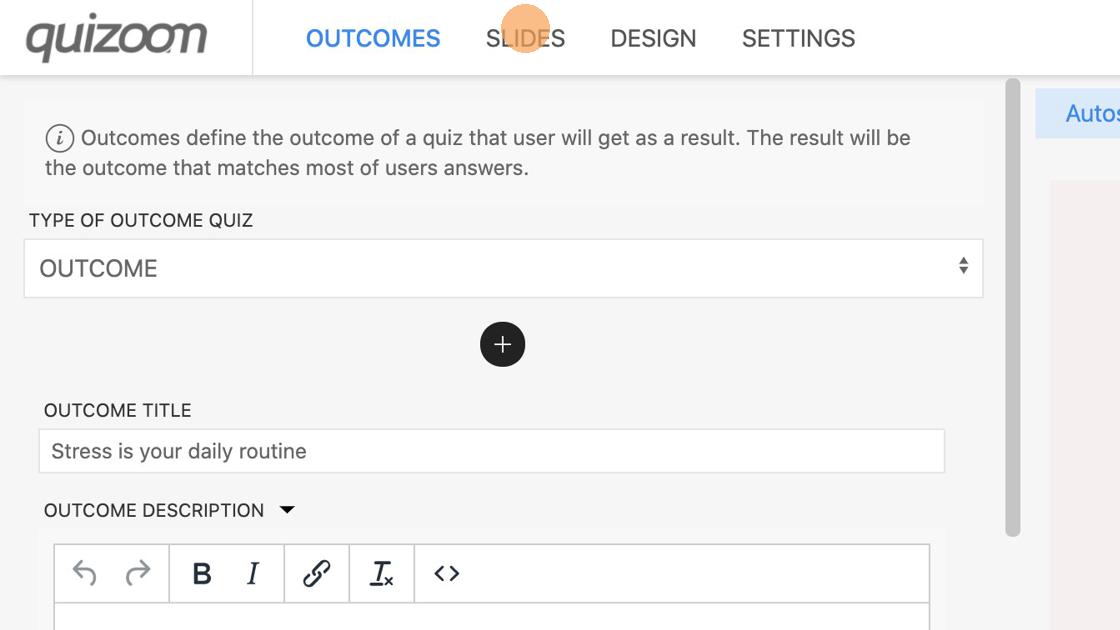
3. Go to "SLIDES"
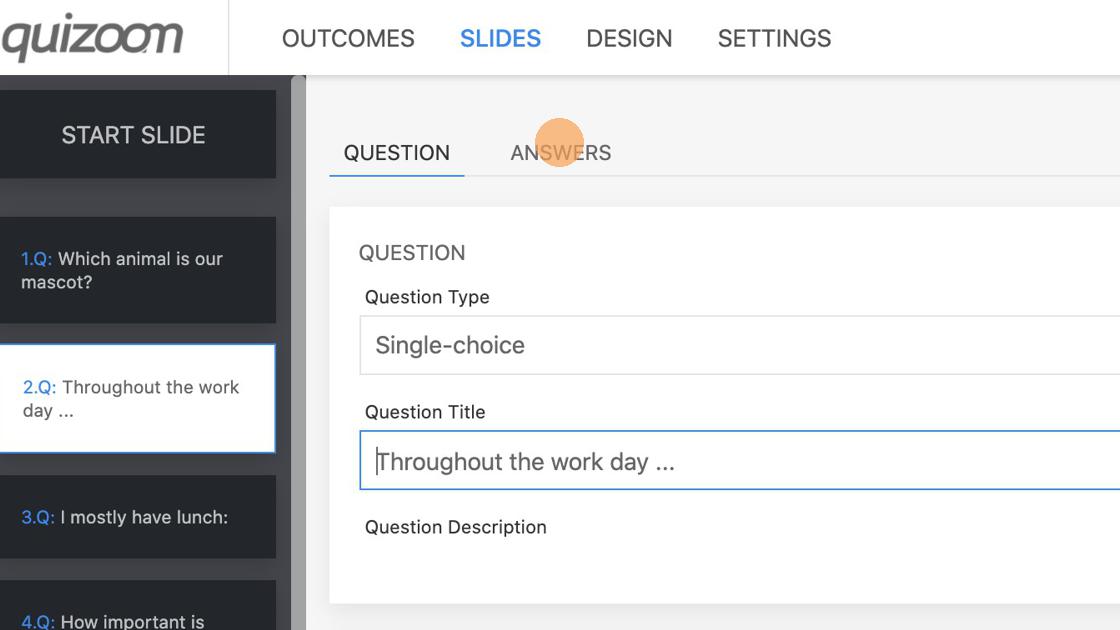
4. Select "ANSWERS" tab on the selected question slide.
5. Under each answer, you can select the appropriate outcome. You can select multiple numbers of outcomes including none.
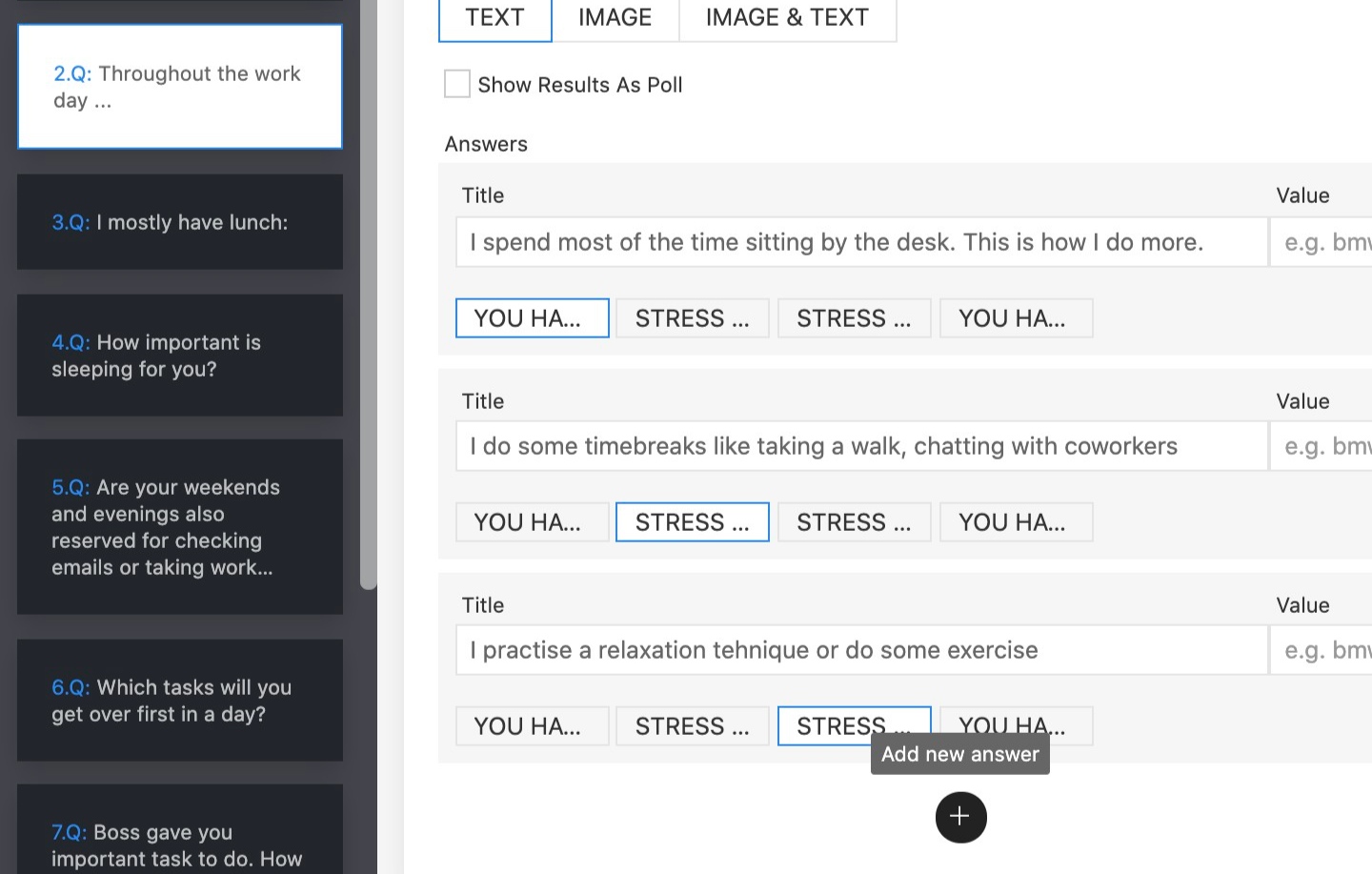
6. Repeat this process for all question slides.