
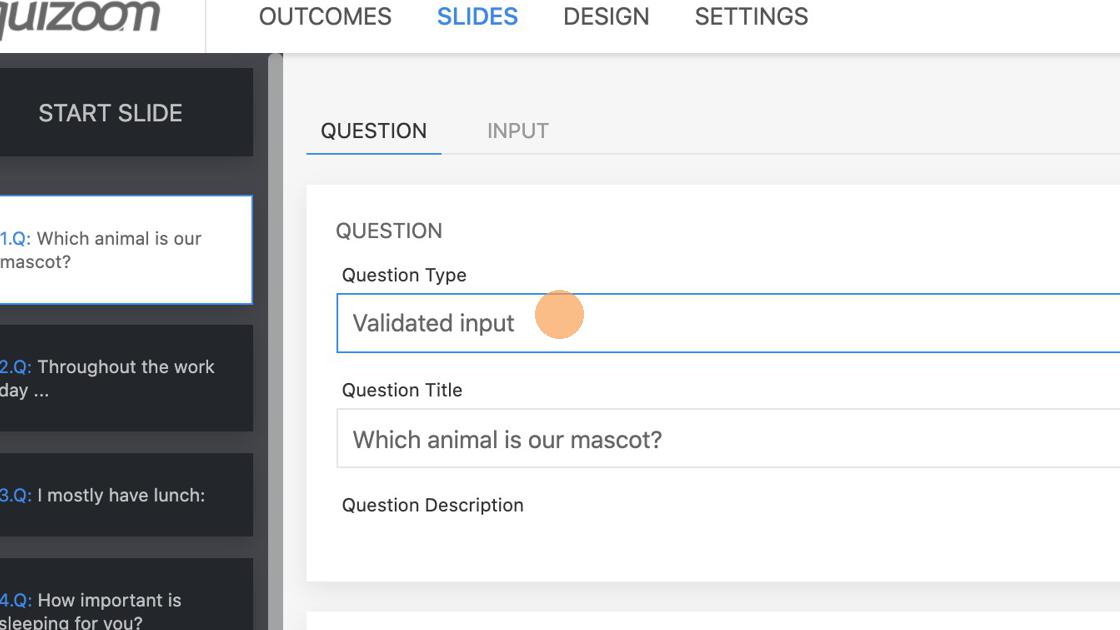
1. Select Validated input from the dropdown.
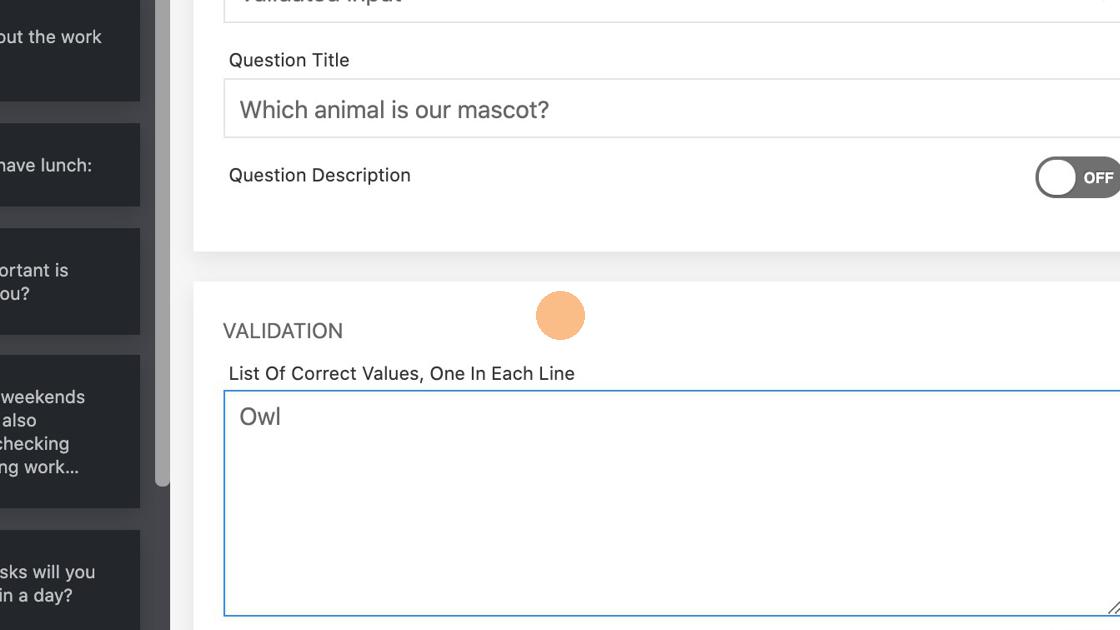
2. In the Validation field enter all the right answers. The field is case insensitive and multiple spaces are treated as one.
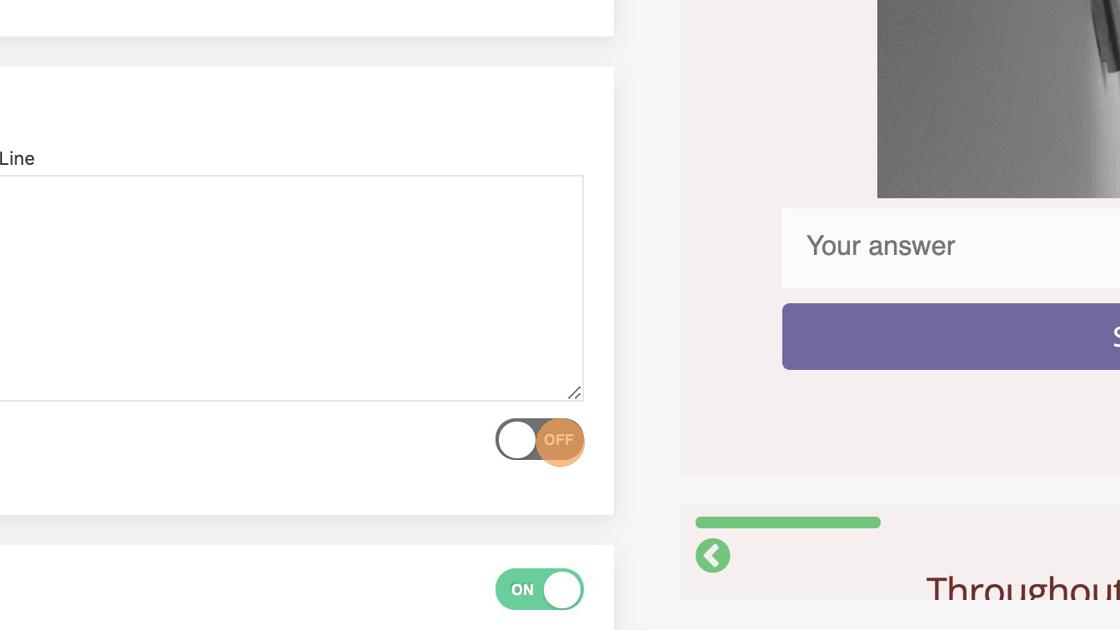
3. Optionally you can turn the "Repeat until correct" option on. With this option turned on, the respondent will be able to answer correctly multiple times until he responds correctly.
Validated input question type can have feedbacks even if the quiz has not feedback option turned on.
4. Turn on Feedbacks by clicking on a toggle.
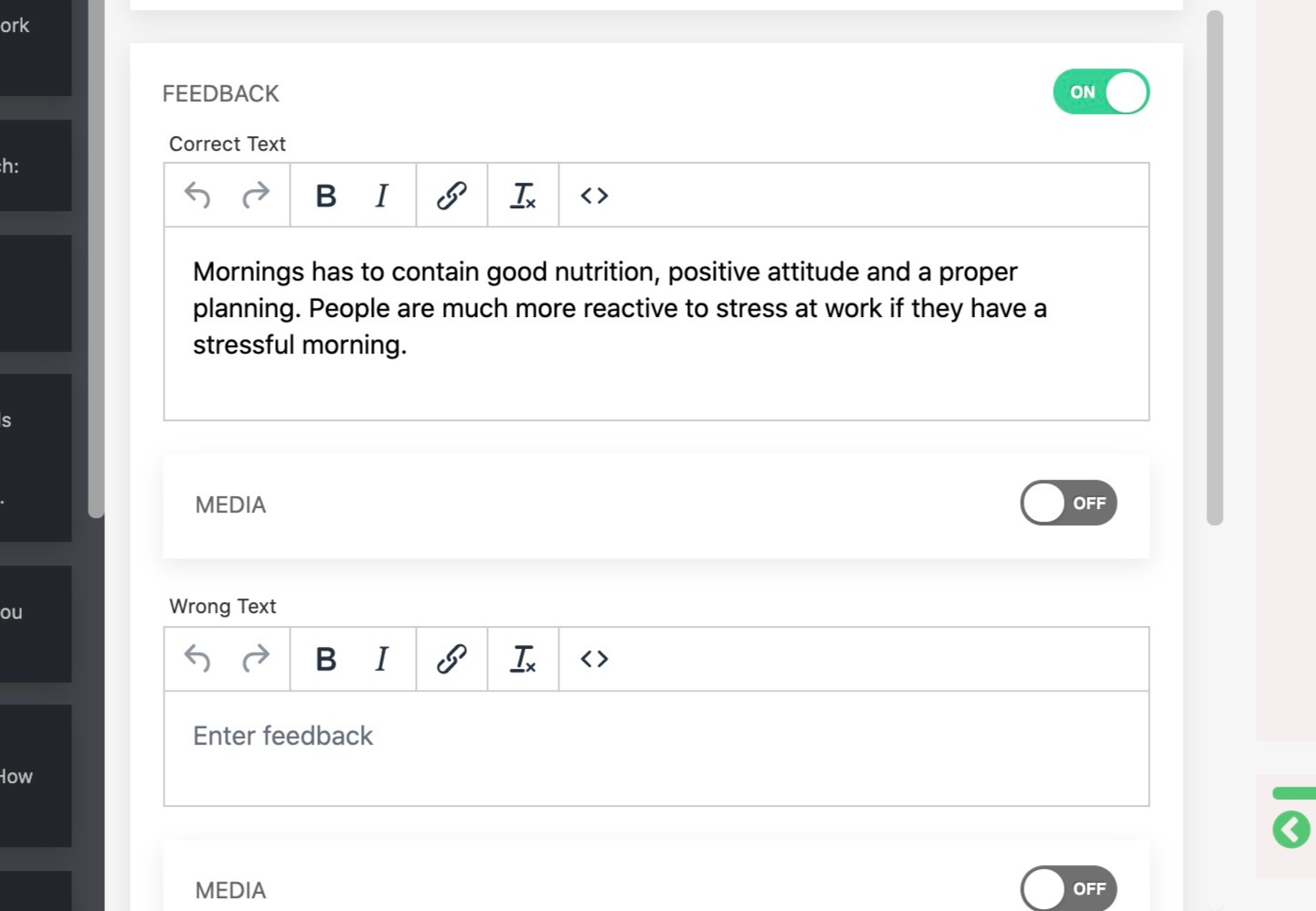
5. You are able to set separate feedback for Correct answer...
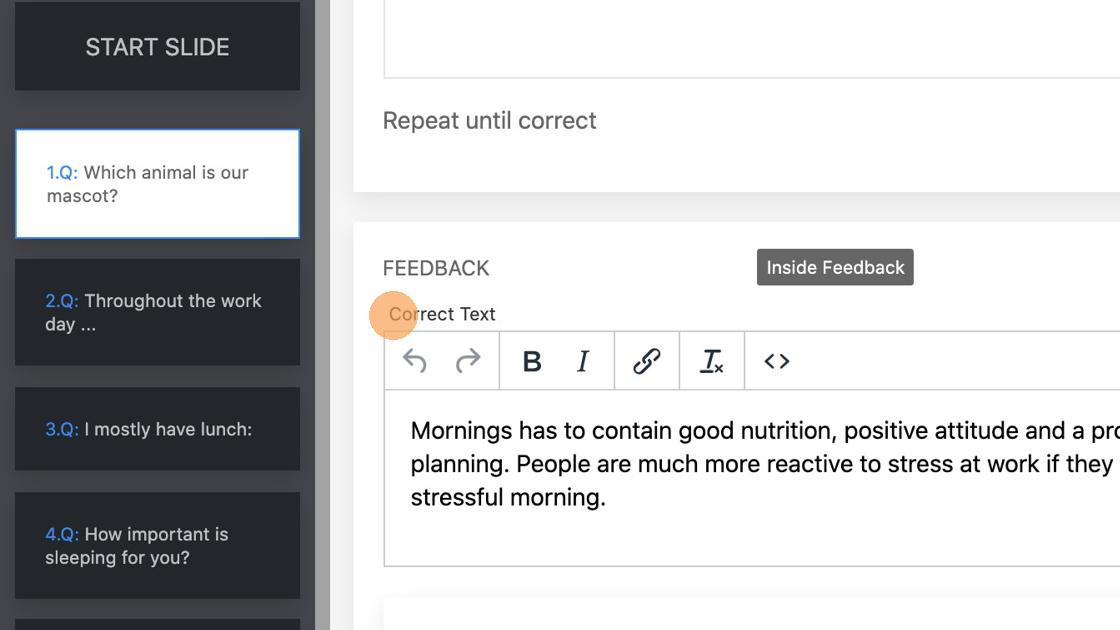
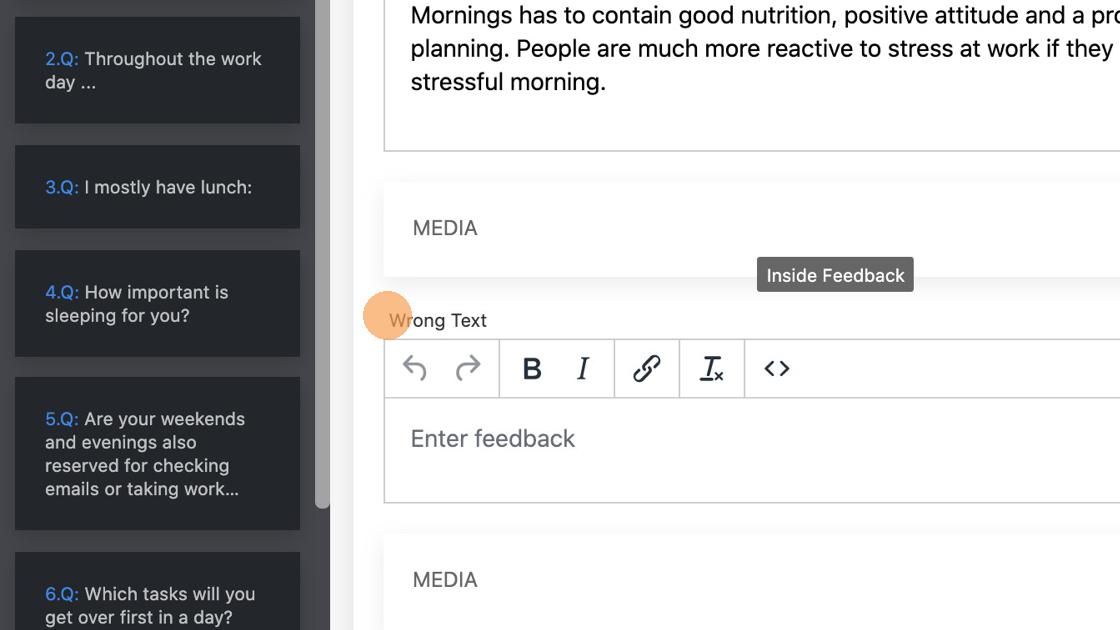
6. ... and for the Wrong Answer. On both, you can add media content as well.
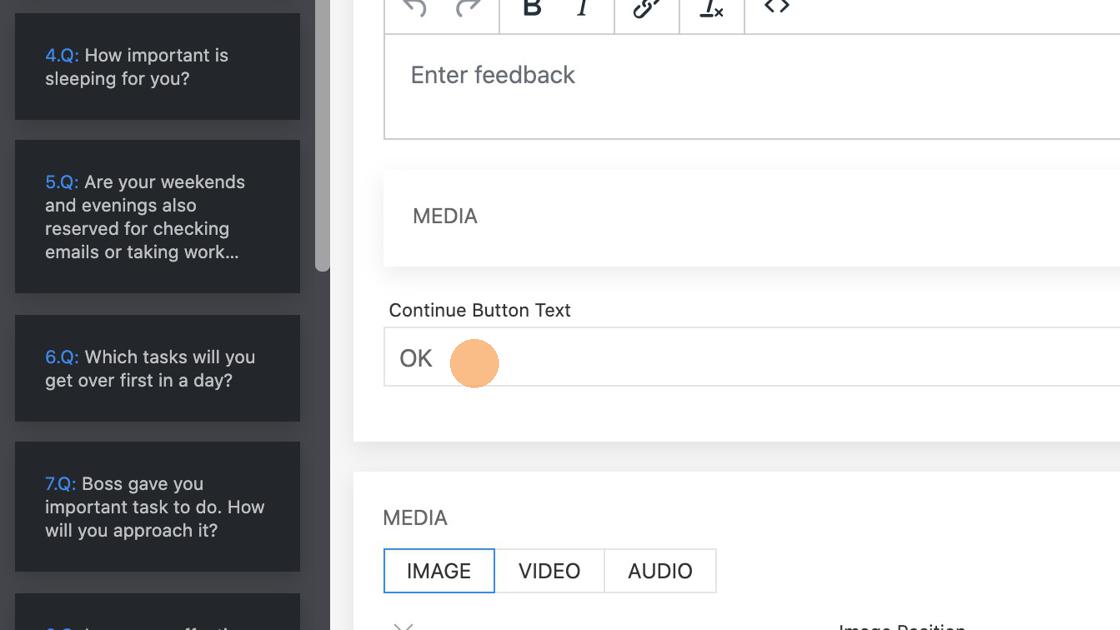
7. Enter the text for the button that will appear on feedbacks.