
1. Select Input from the dropdown.
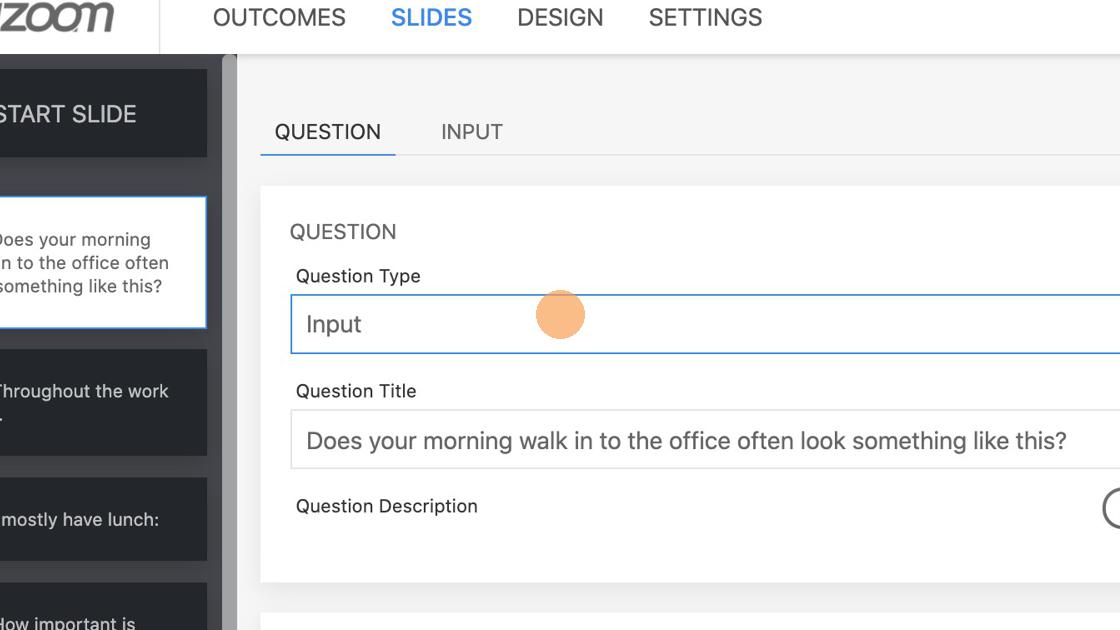
The only mandatory field on Question tab is Question Title. Based on your needs you can add Question Description, Feedback and Media.
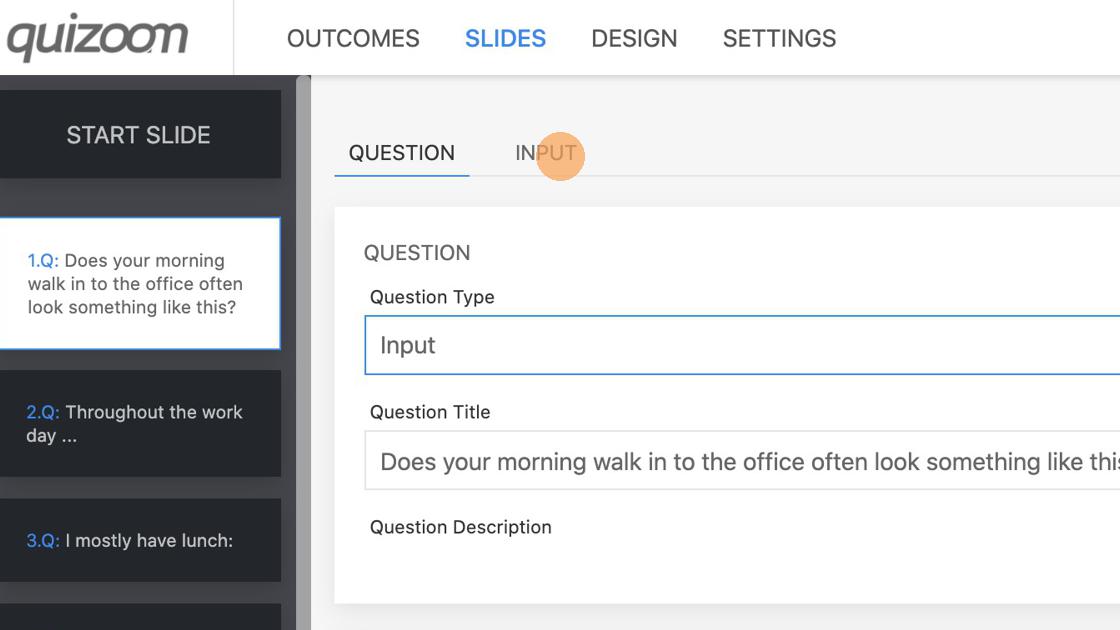
2. Click "INPUT" to set input options.
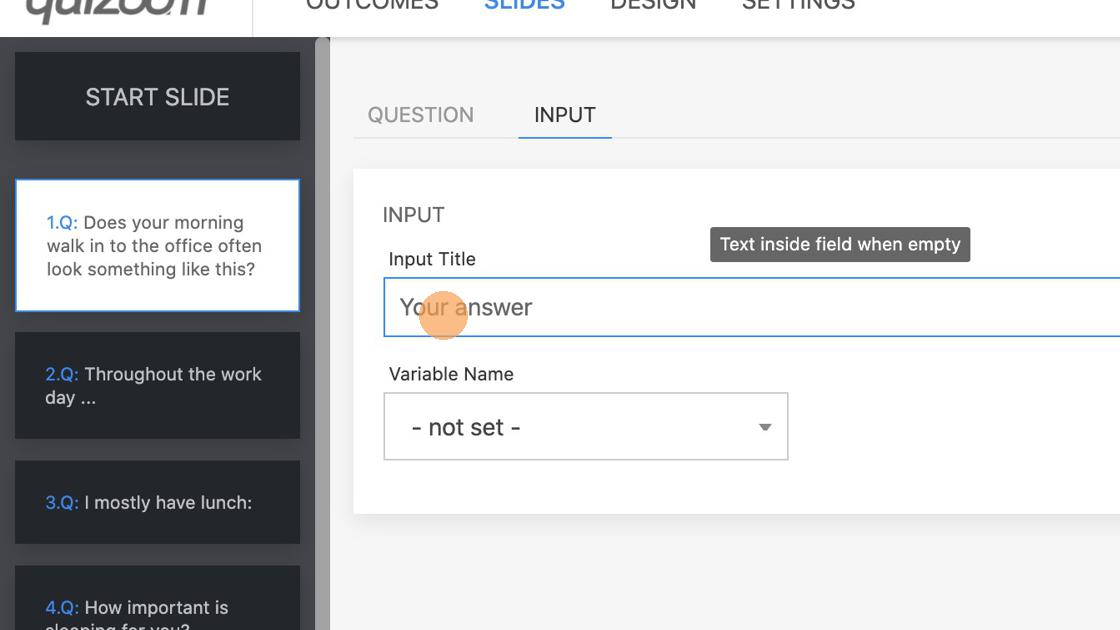
3. Optionally set placeholder text that appears before the respondent start typing in.